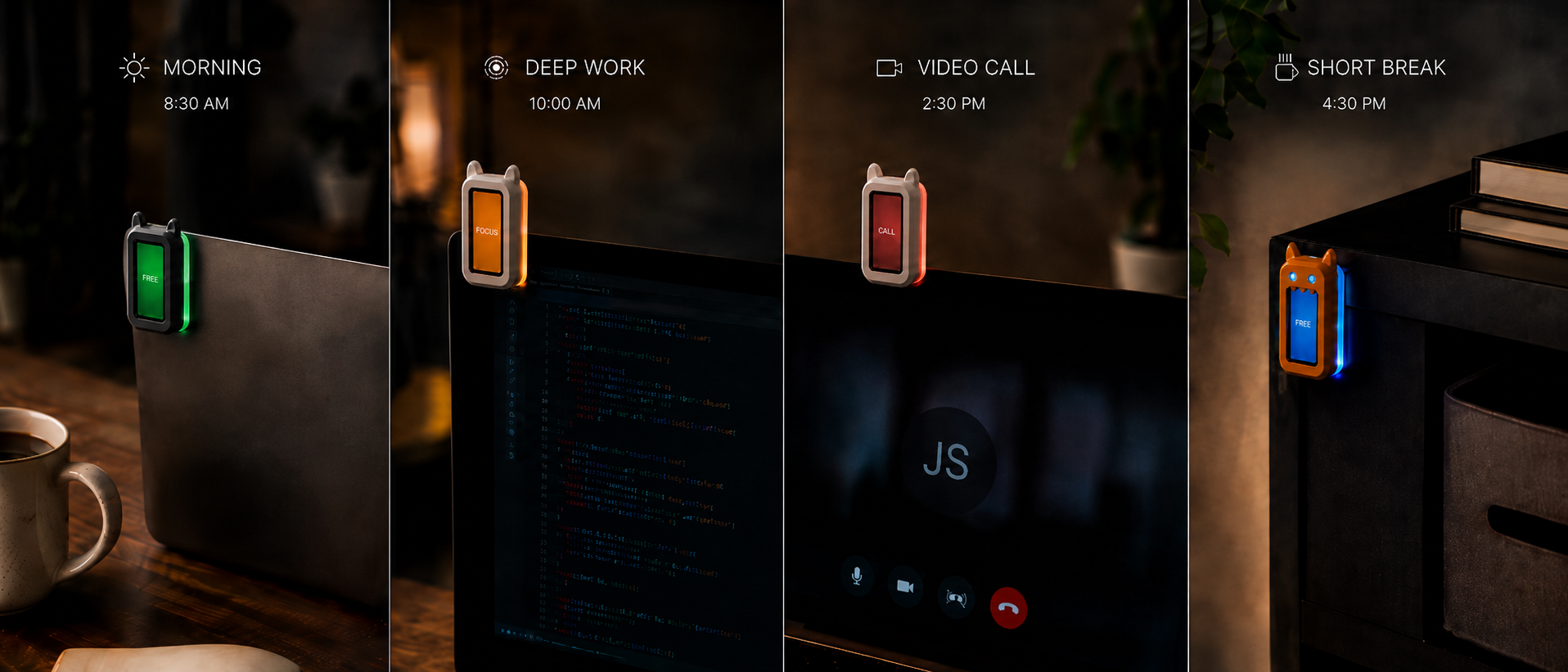
Read from across the room
Color, text and side glow resolve into one unmistakable state.
open hardware for desk focus
A small ESP32-C6 touchscreen that makes focus, meetings and free moments clear before someone taps your shoulder.
Local-first. Printable. Firmware you can inspect.
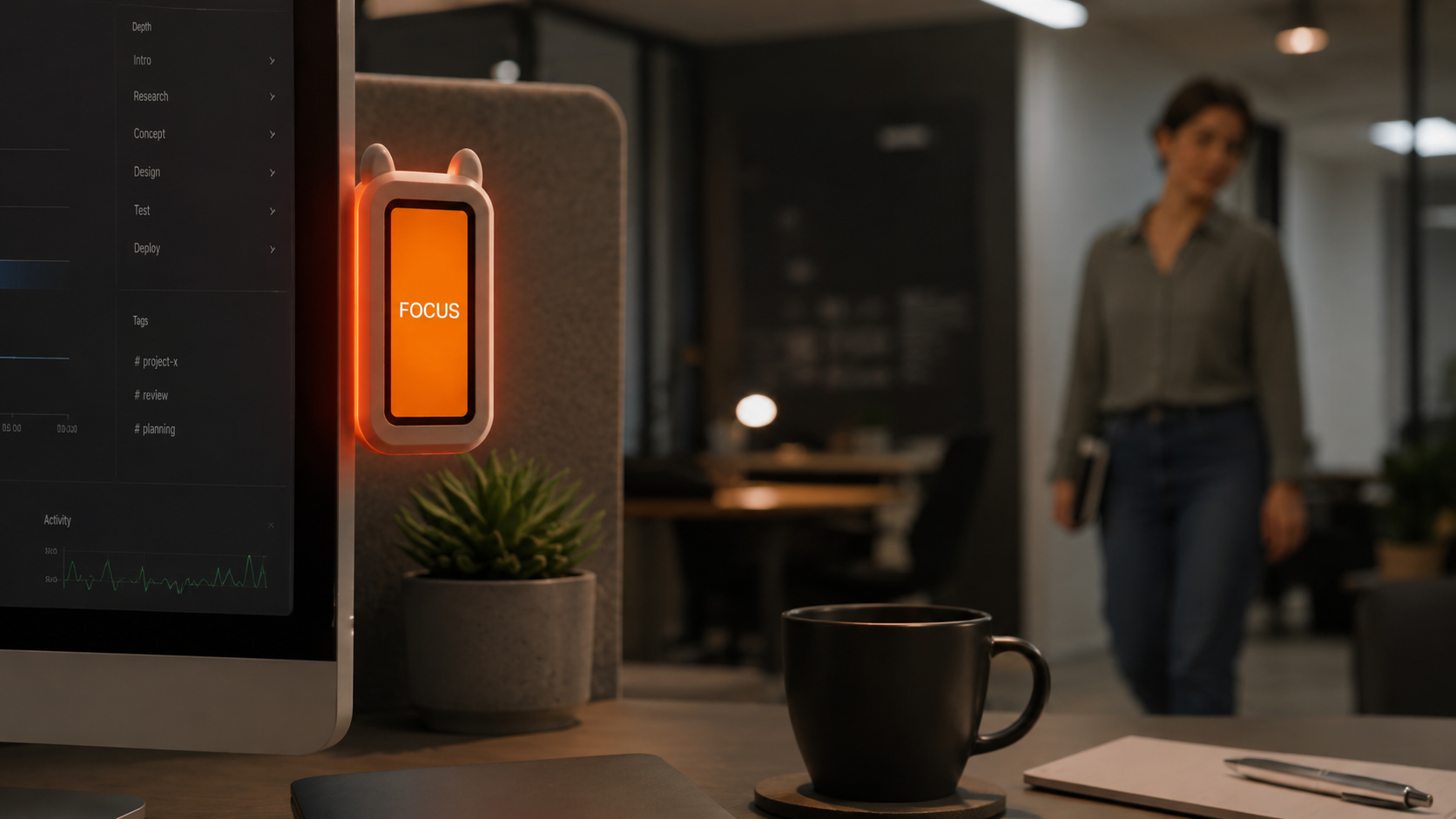
try the object
One state at a time. Pick what the room should understand.
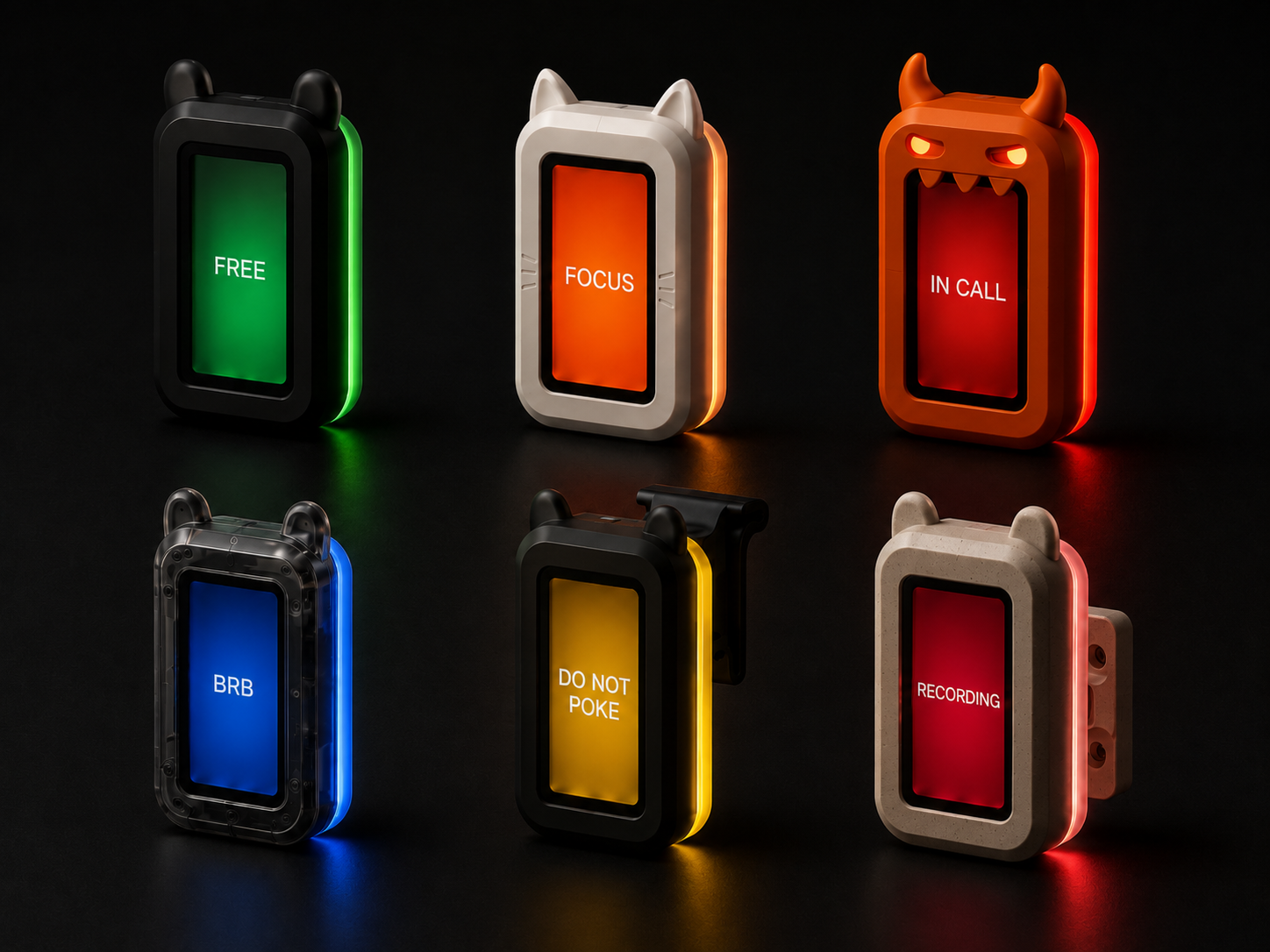
Current signal
FREE
Open for a quick question.
one workday
A signal that reads clearly, changes locally and stays open to modification.
Color, text and side glow resolve into one unmistakable state.
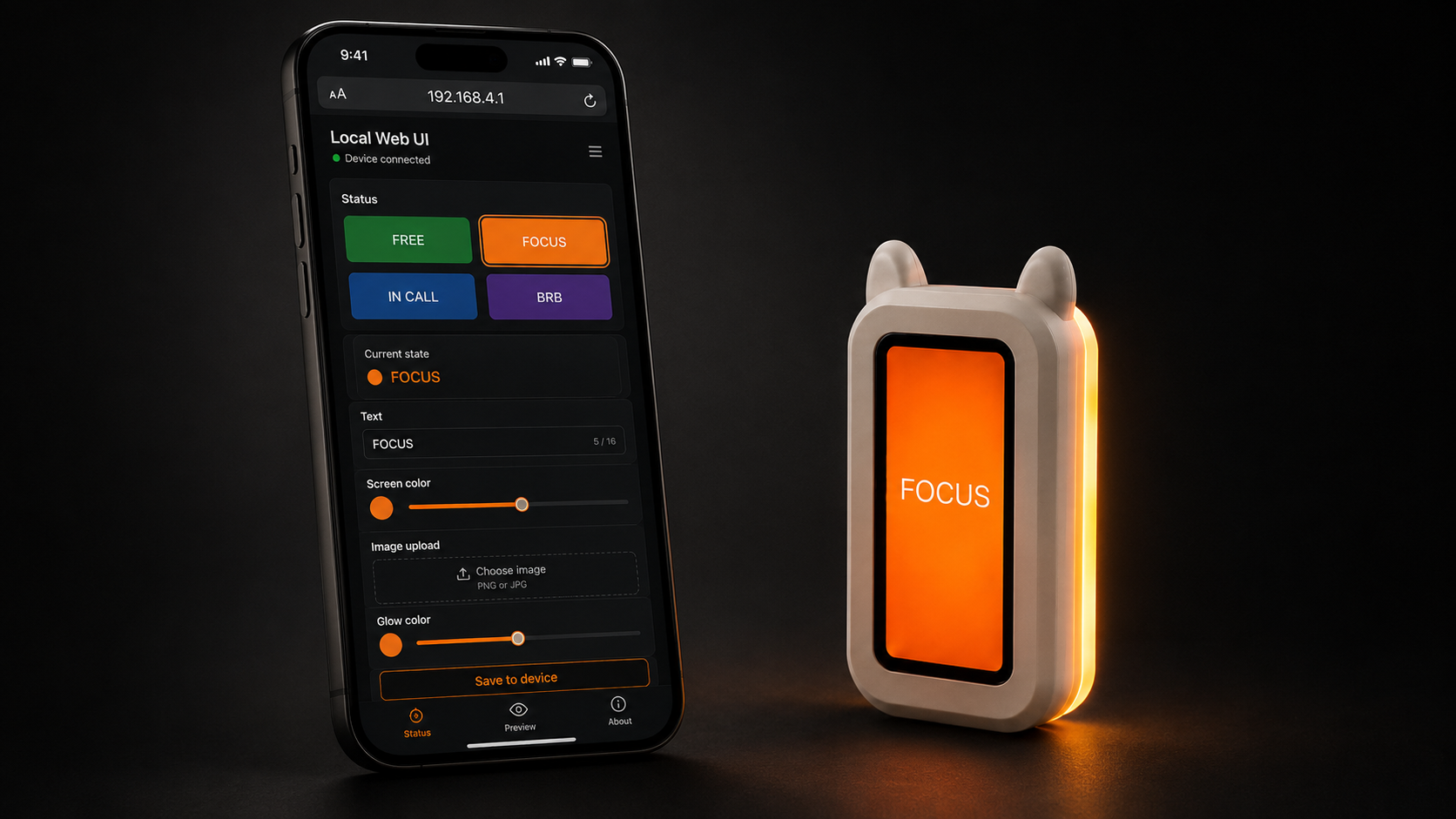
Use touch or the local web page on the same network.
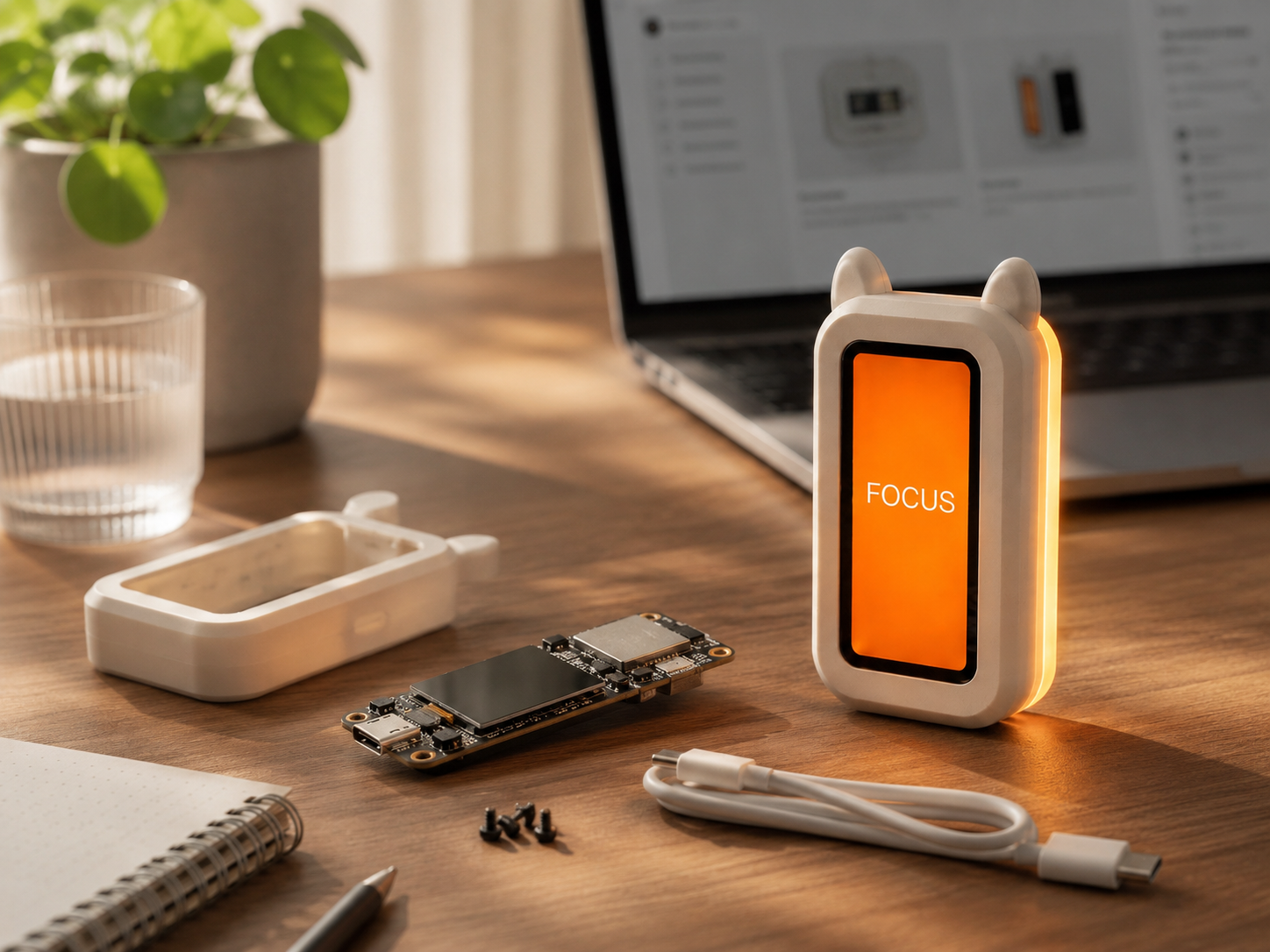
Fork the firmware, status modes and enclosure for your own desk.
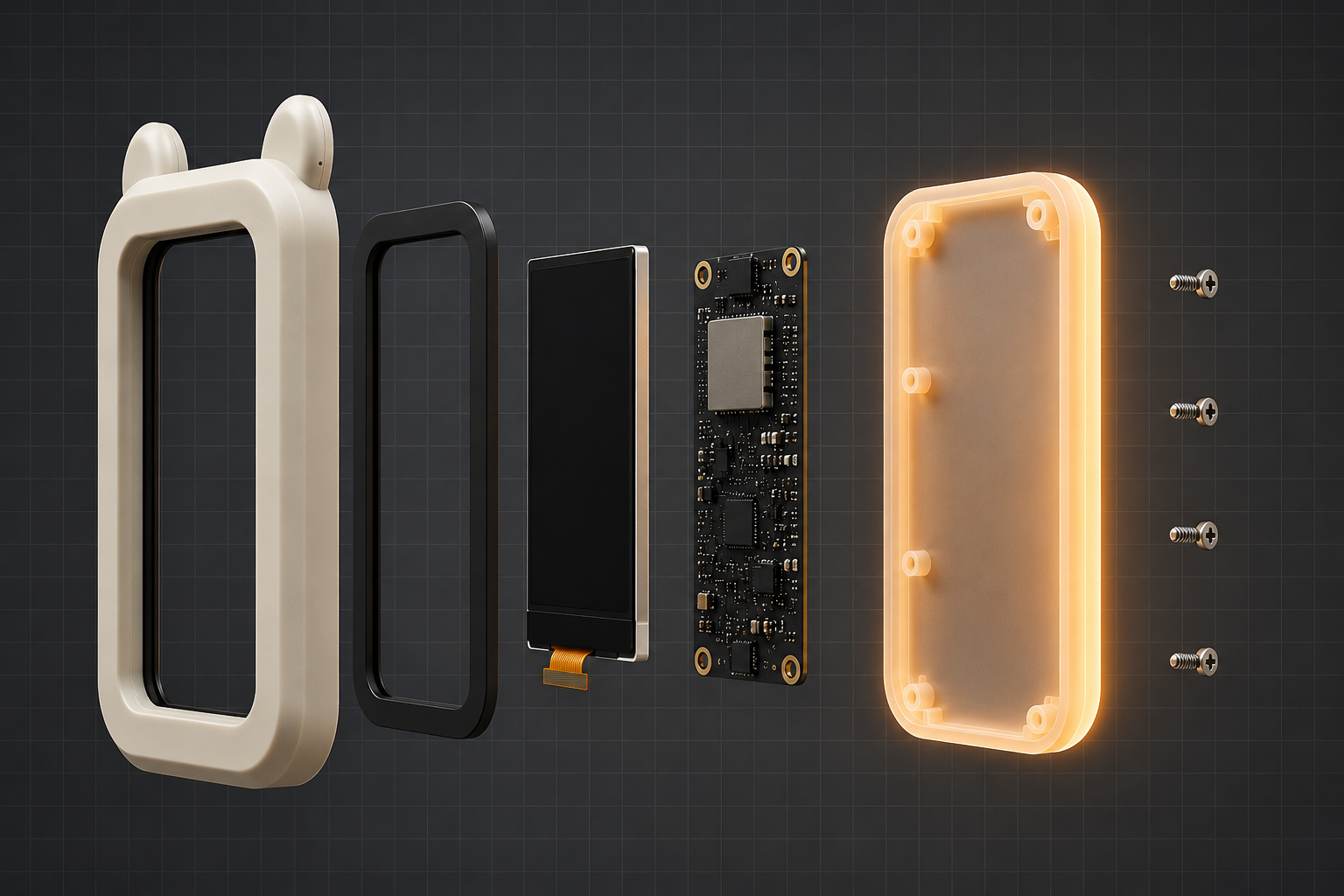
open hardware
Inside: an ESP32-C6 touchscreen, diffuser frame, backplate, USB-C power and a printable shell. No sealed box.
local controls
Change the status on the sign itself, or open its local page from the same network. No desktop app is required.
build notes
Start with the ESP32-C6 touchscreen, print the enclosure and flash the firmware. The build notes cover each step and leave every part open to change.
first release
We’ll email you when the first BOM, firmware notes and 3D-print files are ready.